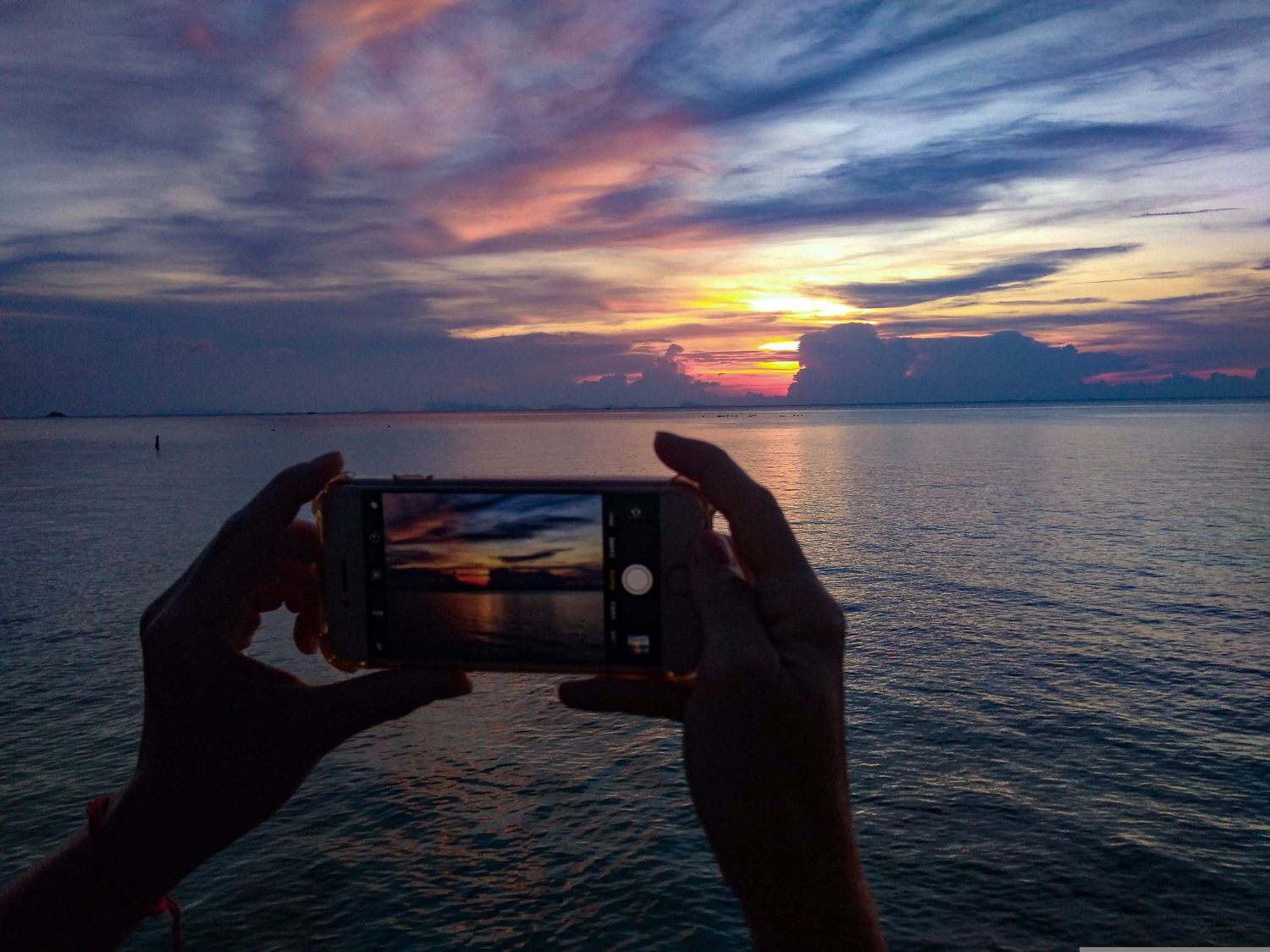
I get asked all the time: “How do I take better photos with my phone?”
My name is Liam Hartman, and I am a local wedding and event photographer here in Reno-Tahoe. I get asked all the time: “How do I take better photos with my phone?” So with summer coming up I thought to share 3 tips with you to get out and start taking better photos today. Usually I am weary of people with their phones out, grandparents getting in the way of my camera at events, but I totally understand why--they want to keep the memories.
1. Rule of Thirds
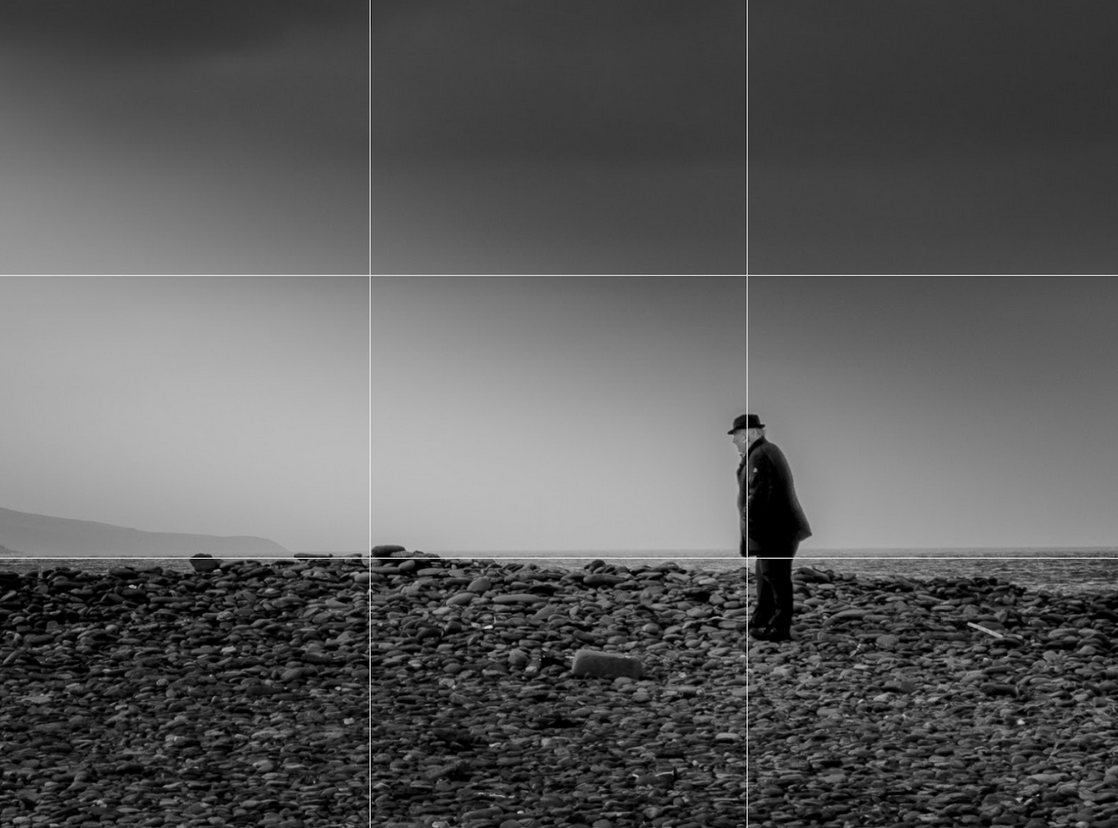
Rossbeigh Beach, Ireland 2023
One of the easiest ways to improve your photos is by using the rule of thirds. This is something you’ve probably heard about in film making or while at a museum and you might have already been using this tool subconsciously. Two horizontal lines and two vertical lines split your screen into thirds. Instead of placing your subject directly in the center, place the main focus along one of those lines or at an intersection point. Place horizons on the top or bottom third line, not the middle. Place people’s eyes along the top line. Put subjects on one third left or right line to let them breathe and show of their surroundings.
- How to Turn On Grid View
- iPhone: Settings - Camera - Turn on “Grid”
- Android: Camera app - Settings - Turn on “Grid lines”
Once it's on, you’ll see those lines on your screen.
If you're photographing sunset at a beach, don’t split the image in half with the horizon in the center.
Instead:
Put the horizon on the lower third to emphasize dramatic skies.
Or place it on the top third to highlight the water and rocks.
2. Focus & Portrait Mode
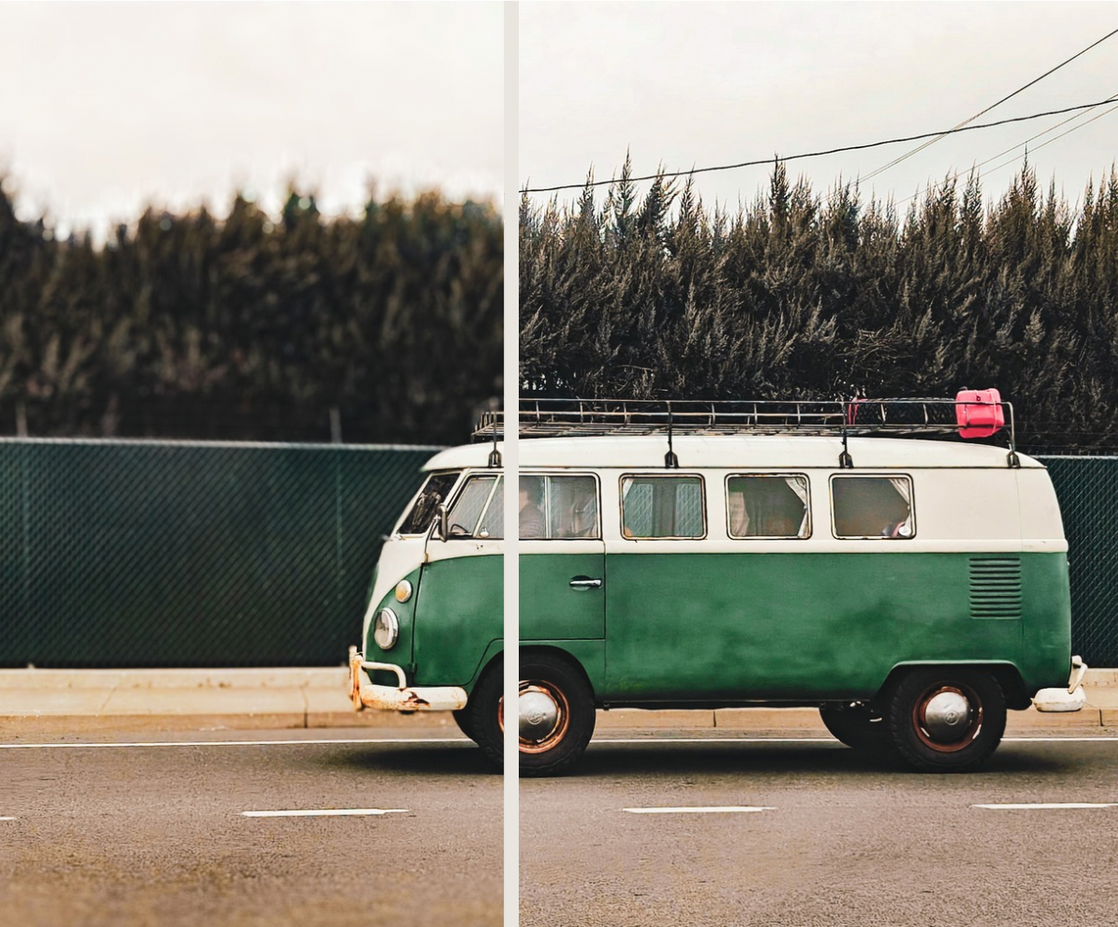
South Virginia St, 2025
Getting what you want and don’t want in focus is one of the most important parts of making a good image.
Tap on your screen where you want the camera to focus. Usually the phone is constantly changing focus, but difficult situations like shooting through a fence or in a crowd of people makes it so your phone doesn’t know what to choose to focus on. You’ll usually see a small square pop up where you tap. This is your locked focus point.
Portrait mode is something you might have not known your phone has, or is something you use every day. Usually im clicking through all of the different modes my camera has just to get different looks if I don’t know what I’m going for. Portrait mode blurs the background while keeping your subject in focus.
Portrait mode is for just that, portraits. Background blur makes the scenery and crowds around less distracting. The best time to use this is with good lighting, and even better if there is space between your subject and the background to make the blur feel more natural.
Here are a few examples of when it works well:
- Photos of people
- Close up detail shots
- Small groups
When not to use portrait mode:
- Large groups
- Fast movement
- Flyaways and messy hair
3. Long Exposure & Night Mode
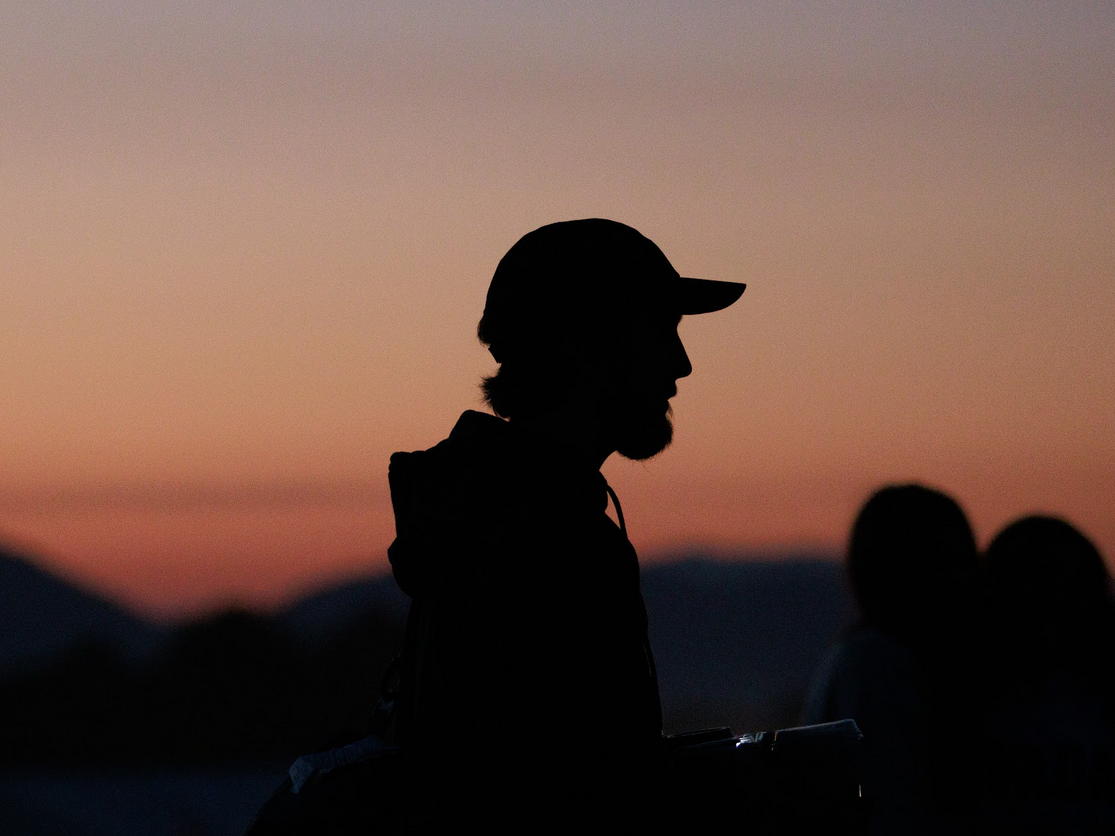
Great Reno Balloon Races, 2025
When you see the little moon symbol pop up in front of a photo you’re just about to take you might tell yourself that it’s ruined! Blurry photos, stringy lights, and all sorts of trouble. But it's important, and night mode is there to help you. The long exposure icon appears when there’s not enough light for your phone to take its best photo, so it lowers the shutter speed (how quick the photo is taken) so that your photo has less noise. Even though it's there to help you, Night Mode is misunderstood, but here’s the best part, you can just turn it off by clicking on it.
If it's there shouldn't I not turn it off? You can absolutely keep it on, just be aware you have to be more stable, so think about bracing yourself against something or breathing out and holding while you take the photo for the best result.
- When your subject is still
- When you can brace your phone on something
- For night sky photos
So, did you learn something? I hope so! Your phone is capable of incredible things as long as you know how to use it. This summer I hope you can utilize some of these tips and take better photos. My website is: liamhartman.com, and there you can find my contact information there as well as availability for this upcoming year.